
Many social media posts can easily be embedded into a WordPress page. View all of the embed options and select the link under “Block” to find instructions.
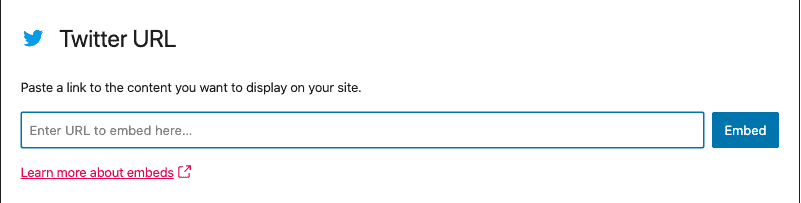
You will see that for most of them you simply need to add the corresponding block and paste in the whole url
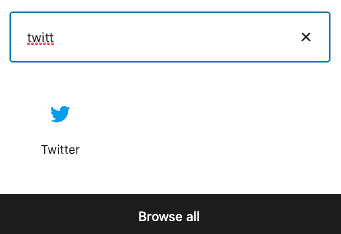
Twitter / X
YouTube

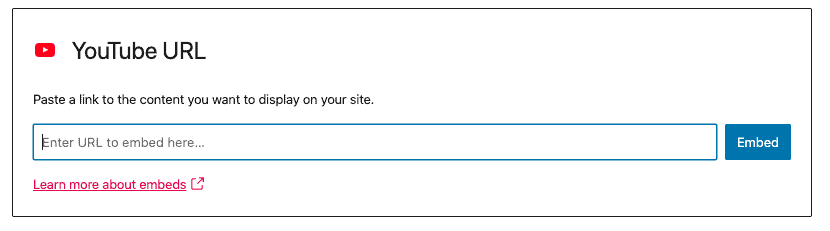
To add in a Playlist, click the share button (arrow pointing right) from the left hand side under the image and copy the link provided.

Facebook
In October 2020 Facebook disallowed the option to embed posts using this method without having a developer account (this includes all of their companies, including Instagram). However you can use this alternative method:
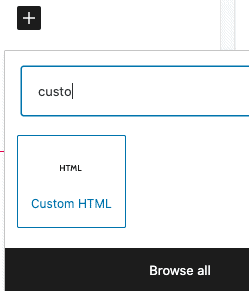
On your website add the block called “Custom HTML”
Paste in the IFrame code

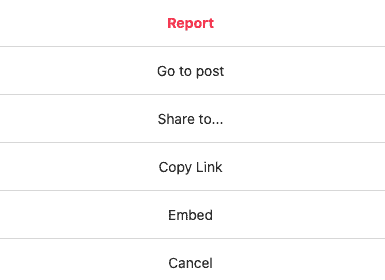
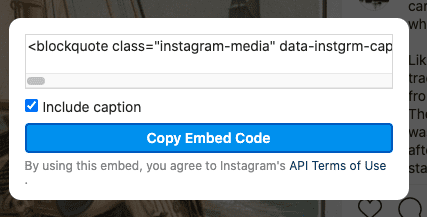
On Instagram you will find the code you need by clicking the 3 dots to the right of a post and choosing Embed and then clicking the “Copy Embed Code” button
Soundcloud
View instructions on how to embed from Soundcloud