
If you have a site that you are replacing with a new one, you will want to make sure that anyone with previous links gets to the right place on the new site.
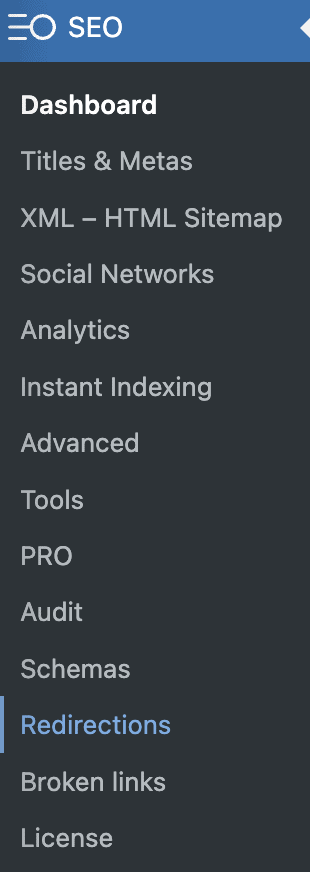
Redirects can be set up directly through SEOpress.
Click Add new at the top of the page. Enter the previous URL in the first field and the new URL in the field called URL redirection.
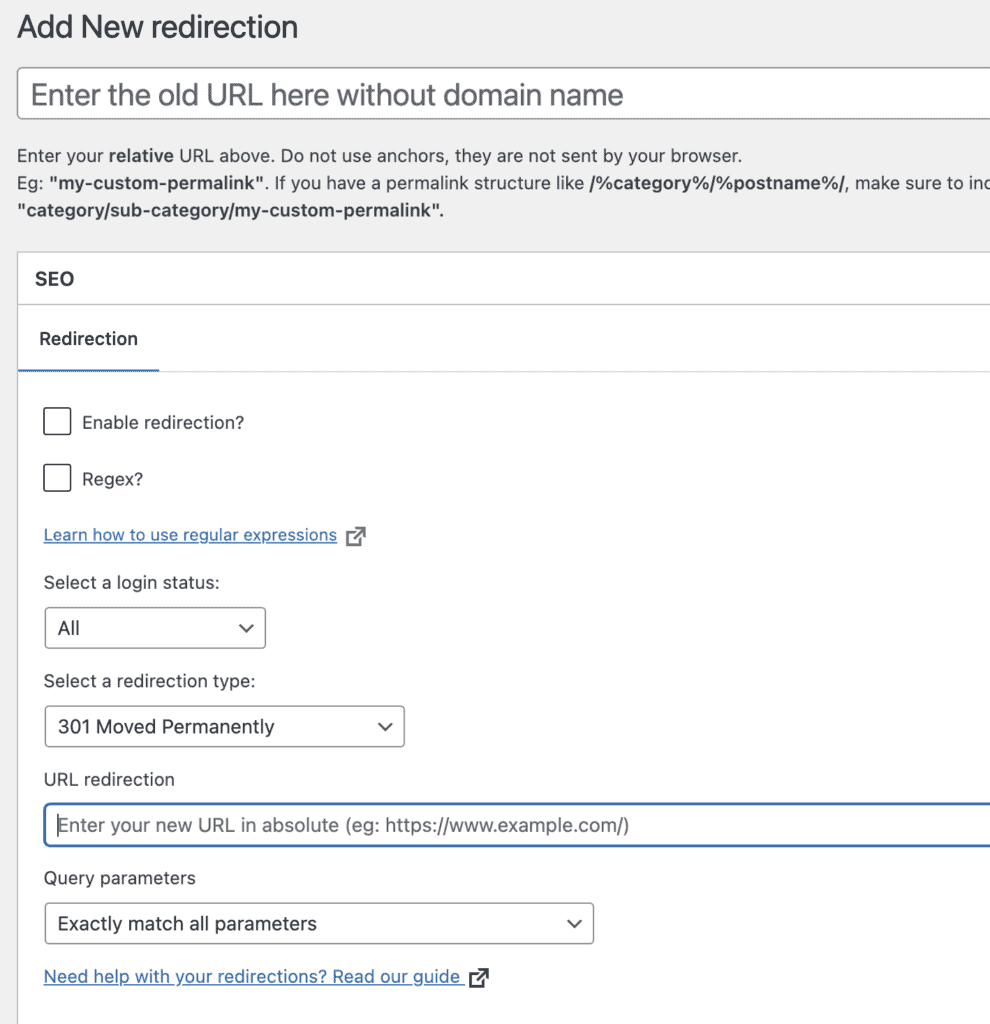
Click Save.
You can also import a list of URLs from a spreadsheet. Prepare the spreadsheet with two columns: the first with the old URL and the second with the new URL. Then, import via Import/Export redirects

There may not always be a direct equivalent page on the new site. In that case you can redirect to the page section.